

agent_... and obj_.... You can also set an external ID from your own system and address the resource as external_id:<value>.
This lets a ticket number, workflow key, or database ID remain the handle your application stores.
Add an external ID to an agent
Open a draft agent, select Actions → Edit, and expand Add labels or external ID. Set External ID to: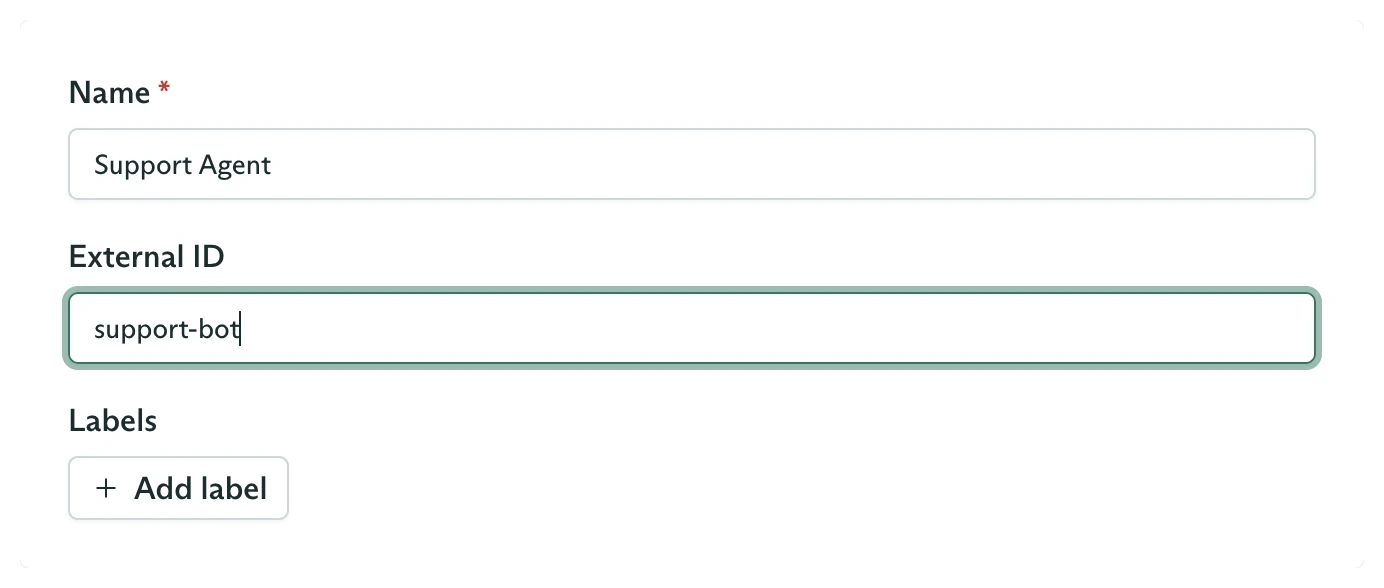
An agent External ID set from the dashboard
support-bot.
An agent external ID is unique within its workspace. Cadenya rejects a second agent that tries to use the same value.
Create an objective with your ID
Open Objectives and select New Objective. Choose the published agent and enter a first user message. Expand Add labels or external ID, then set External ID to a value from your application: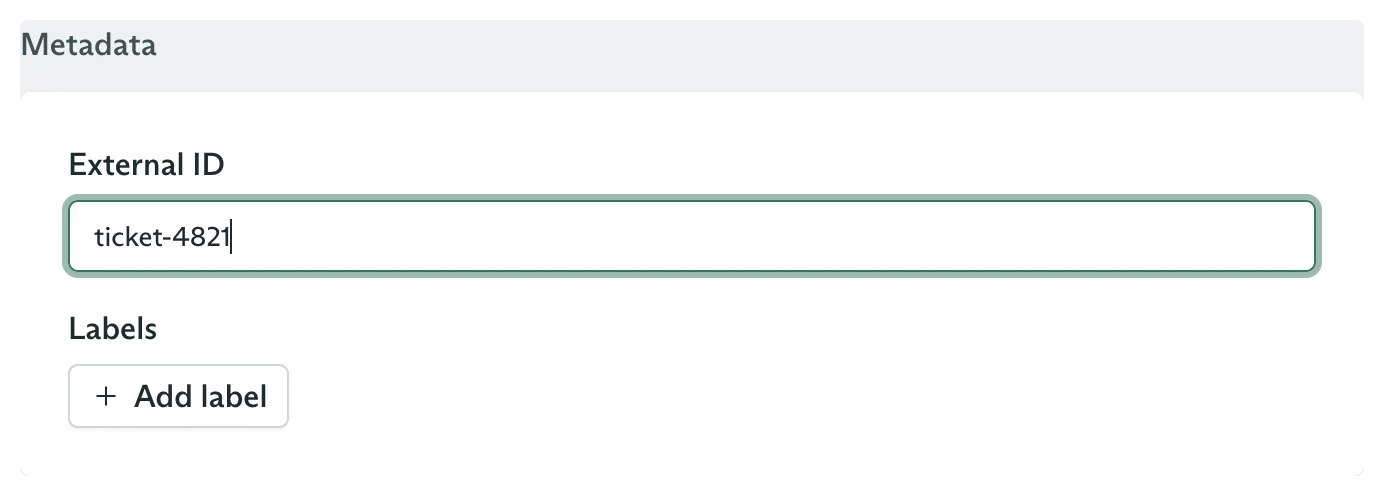
An objective External ID from your application
team=support. Use the external ID for one unique application-level identity.
Dispatch by the agent’s external ID
Pass the prefixed agent reference anywhere an agent ID is accepted:objective.metadata.id. Your value appears in objective.metadata.externalId.
Retrieve by your objective ID
Use the same prefix on reads and actions:Use external IDs in nested paths
Every resolvable path segment can choose its own identifier form:external_id:concise.
Join records such as variation assignments do not define external IDs. Address those rows by the canonical ID returned when they are created.
Route webhooks without a lookup
Every objective webhook includes the objective operation metadata:Run your first objective
Create and inspect the run in the dashboard.
Objectives from the SDK
Continue, cancel, stream, and score by either identifier form.
Approving a tool
Route an approval request using objective metadata.
API design
Review external-ID scoping and path-resolution rules.