

objective.output carries the value your application consumes.
This guide builds a small refund-decision agent that returns:
Define the schema
Open Agents and create a new agent, or open an existing draft agent and select Actions → Edit. Under Structured output:- Turn on Enable structured output.
- Enter this value in Output schema:
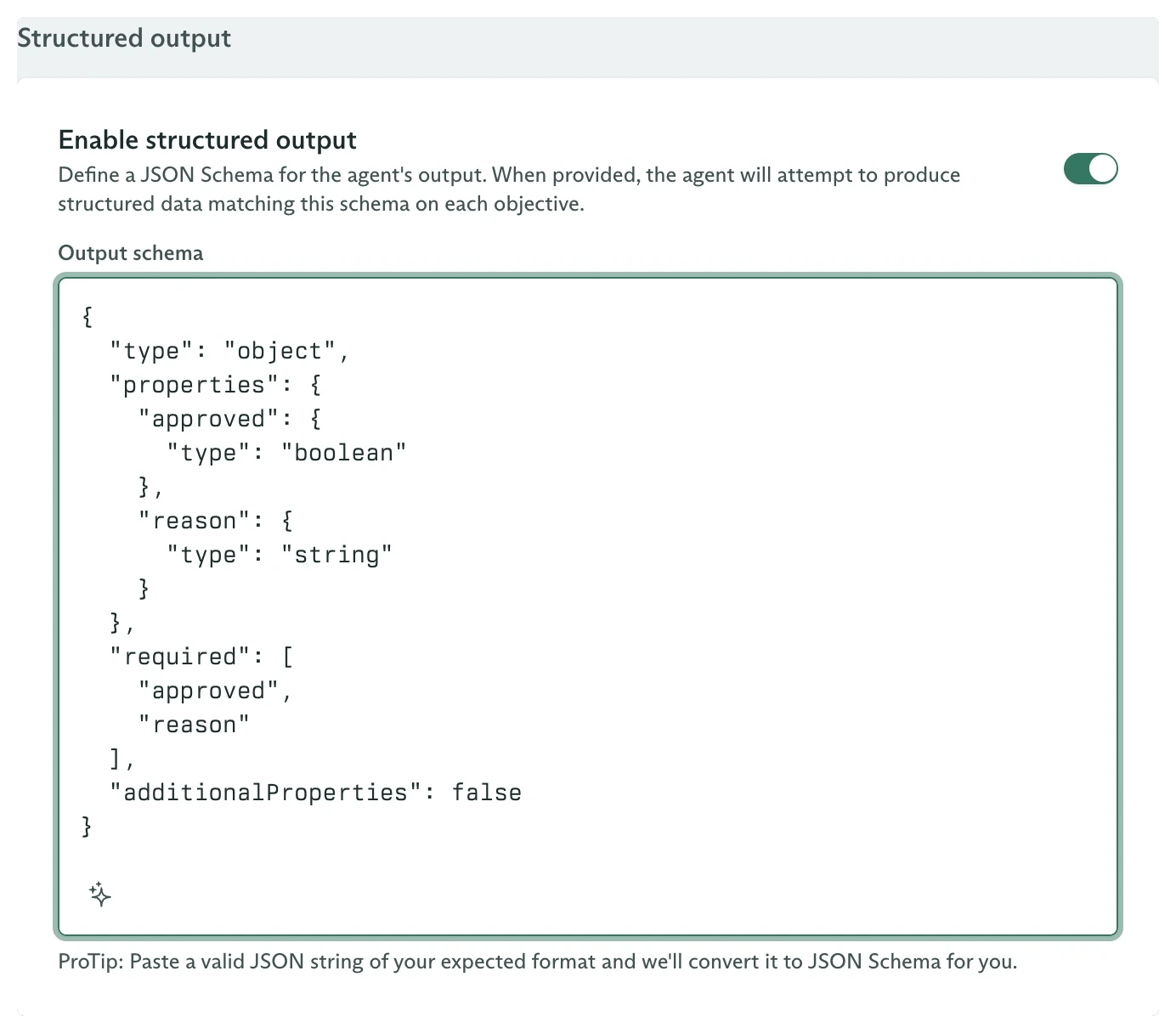
Structured output enabled with a refund-decision schema
additionalProperties need explicit control.
Save the agent. Create a variation with a model and a prompt such as:
Run an objective
Open Objectives, select New Objective, and choose the published agent. Use this First User Message:
The Finalized event with machine-readable output
Read output from the event stream
finalized.output is narrowed by the objective-event union:
data.objectiveEvent.data.finalized.output.
Configure the same schema from code
The schema belongs to the agent, not its variations:Failure and cost behavior
Structured extraction is a separate model call after the agent finishes its work:- It uses the selected variation’s model.
- It is billed as another model call.
- Cadenya attempts extraction up to three times.
- The schema is snapshotted when the objective is created.
output. Treat absence as an extraction failure in application code even when the terminal state is STATE_FINALIZED.
Run your first objective
Inspect the timeline, details, continuations, and feedback in the dashboard.
Stream objective events
Consume the typed finalized payload without polling.
Objectives from the SDK
Dispatch, continue, cancel, and score objectives.
Objective webhooks
React to finalized and error events from a durable delivery.