

What you need
- A published agent with at least one variation.
- A first user message or a
firstUserMessageTemplateon every variation the schedule can select. - Valid system prompt data when the agent defines
systemPromptDataSchema.
Create a schedule
Open the agent and select Schedules. Click Add Schedule. Enter a name such asWeekday attendee sample, then configure the objective input:
Under Schedule, choose:
- Presets for a common cadence.
- Custom to add one or more Calendar rules or Interval rules.
America/New_York. For a weekday 9:00 AM digest, add a calendar rule with hour 9, minute 0, and day of week 1 through 5.
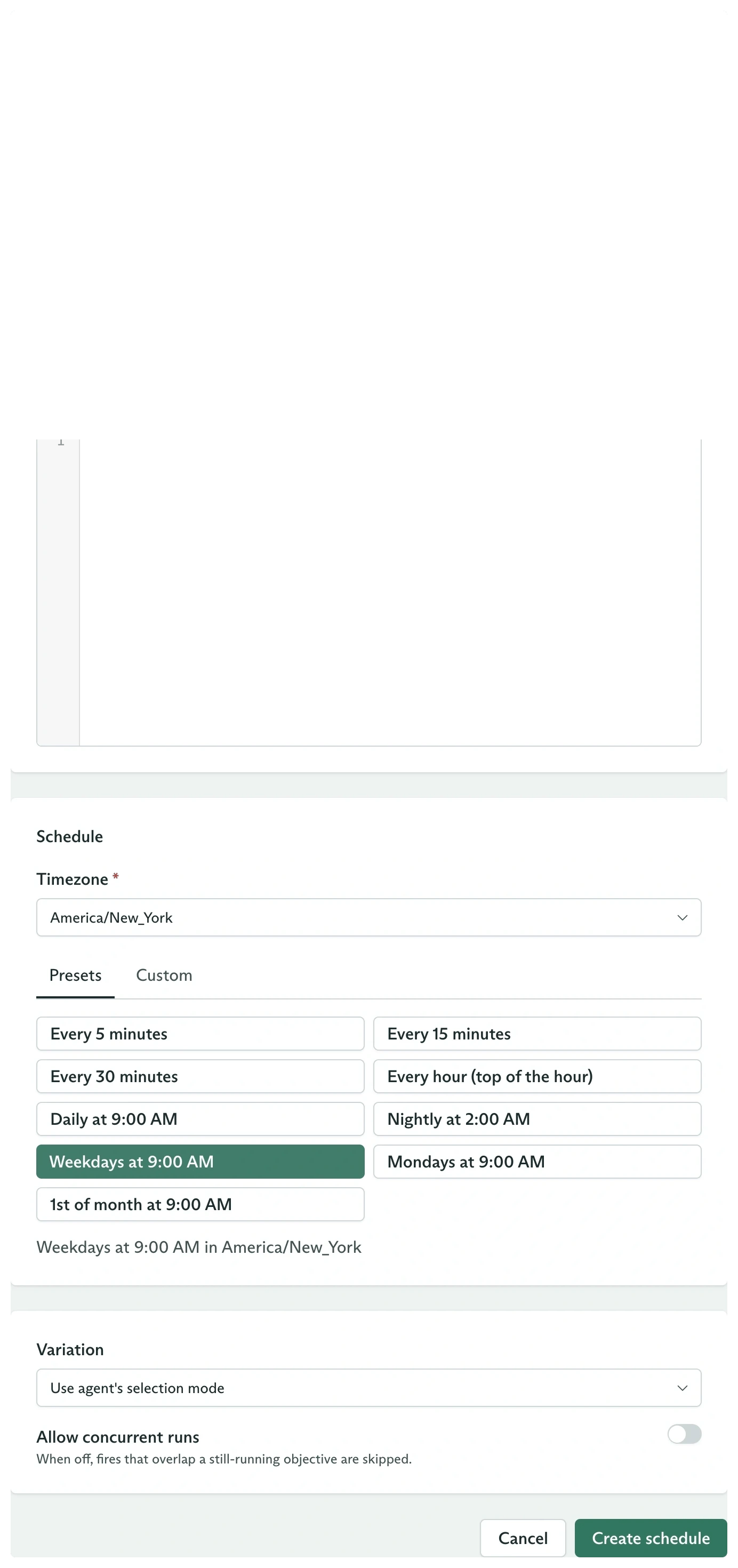
The schedule form combines objective input, cadence, variation, and overlap policy
Choose variation and overlap behavior
The lower configuration card contains:
Pin a variation when every scheduled run must use one exact configuration. Leave it empty when scheduled traffic should participate in the agent’s normal variation sampling.
Turn on concurrent runs only when overlapping objectives are safe and intentional.
Create the same schedule with the SDK
STATE_ACTIVE.
Use an interval
An interval fires every duration from a stable anchor:60s. An optional offset shifts the fire within that interval and must be shorter than every.
Calendar and interval rules are ORed. A schedule fires whenever any configured rule matches.
Inspect fires
The Schedules table shows:- Cadence
- Status
- Next fire
- Last fire
- Runs
configSnapshot.agentSchedule, so it records the schedule and selected variation used at creation.
From code:
Pause, resume, or archive
Open the row menu to Pause, Resume, Archive, or Delete. The same lifecycle is explicit in the SDK:Configure variations
Decide whether each fire samples a candidate or pins one.
How objectives work
Inspect the snapshot and event timeline created by every fire.