

What feedback changes
Each variation starts atBeta(1, 1), a uniform prior with a posterior mean of 0.5.
On every unpinned objective, Cadenya draws one sample from each variation’s Beta posterior and selects the highest. Strong candidates run more often, while uncertain candidates retain a chance to be explored.
The dashboard label is Feedback Driven. The API enum remains
VARIATION_SELECTION_MODE_WEIGHTED for compatibility.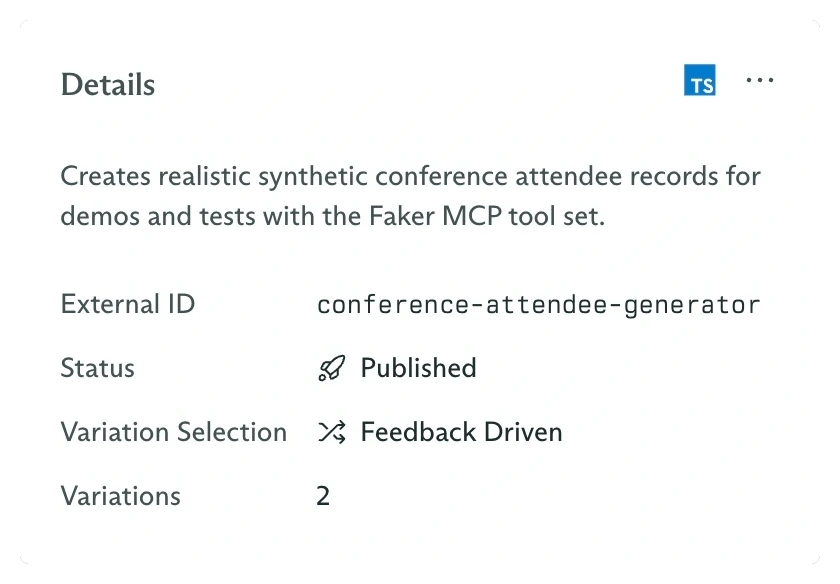
Feedback Driven selection is configured on the agent, not on either variation
Create controlled evaluation runs
Open Objectives, click New Objective, select the agent, and optionally choose a specific Variation. The variation field overrides automatic selection and is useful when you need comparable samples from every candidate. Create one run pinned toDefault and another pinned to Detailed, using the same message:
Submit feedback in the dashboard
Open an objective and select its Feedback tab. Under Submit Feedback, choose a rating and optionally explain the decision.
Click Submit Feedback. The entry appears under Previous Feedback and is also visible on the agent’s Feedback tab.
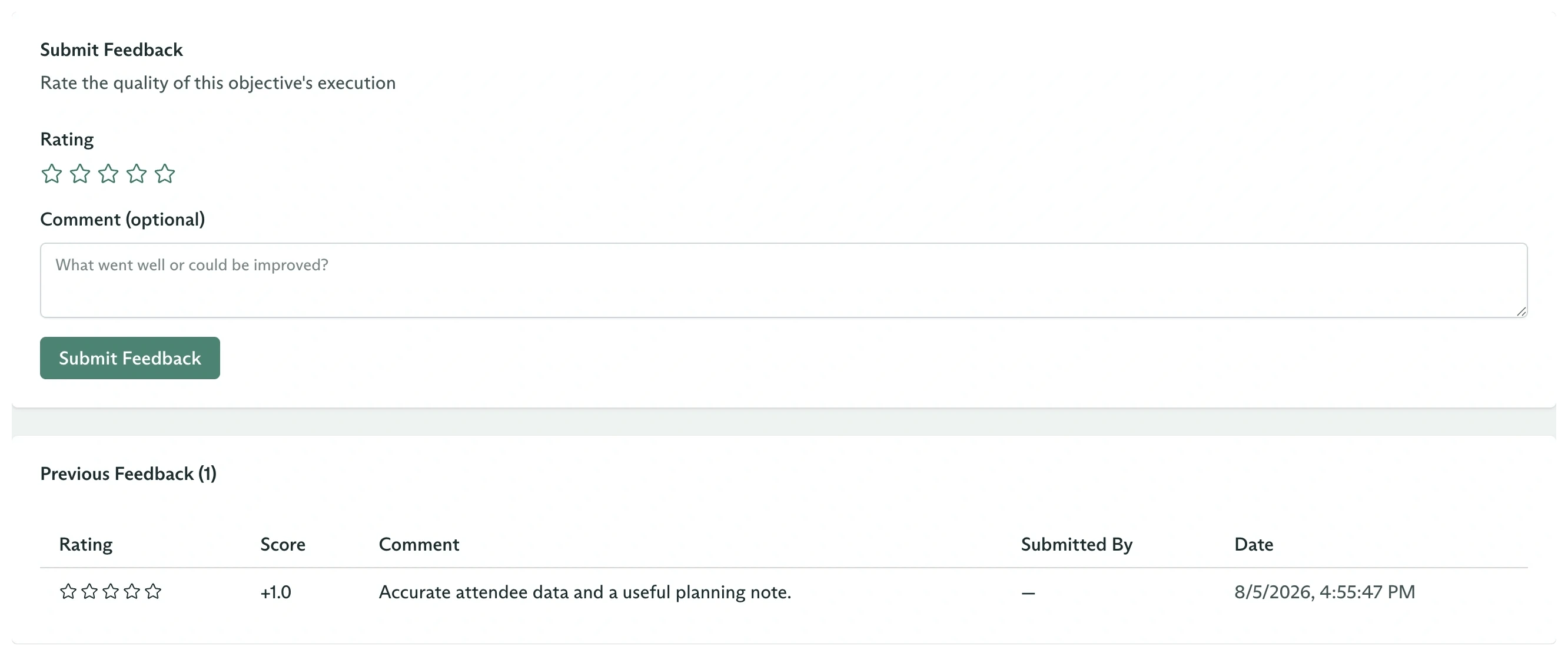
Submitted ratings remain attached to the objective
Submit feedback from code
Inspect the updated variation
Retrieve a variation with info to see its current posterior mean and feedback count:info.score is the posterior mean on a 0 to 1 scale. It is not the average of the original -1 to 1 feedback values.
Verify a future sampled selection
Create another objective withoutvariationId and inspect the snapshot: